
How Elementor AI Makes Website Building So Much Easier
If you’ve ever built a website on WordPress, you’ll know it can be a bit of a slog — especially when it comes to writing content, tweaking styles, or getting the layout just right.
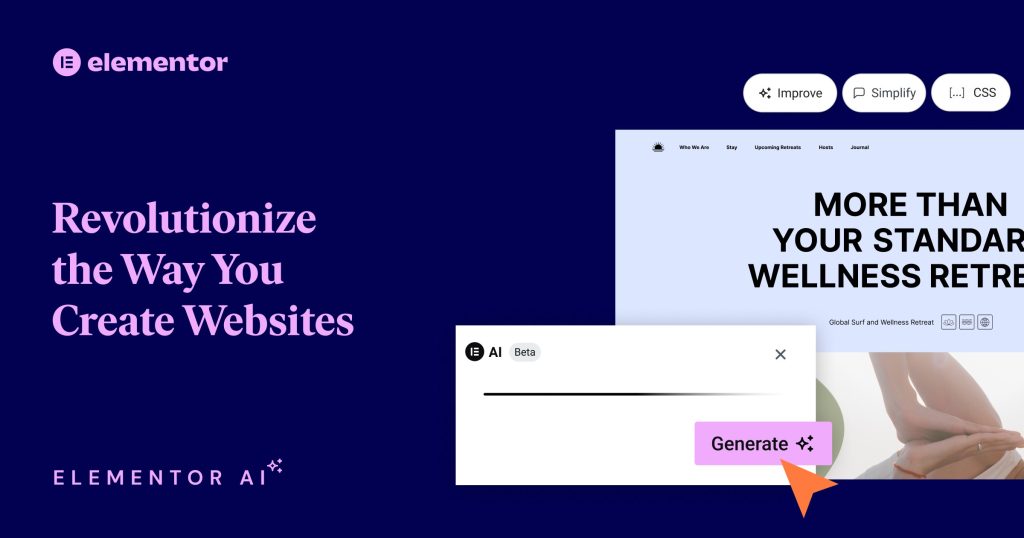
That’s where Elementor and its new AI features come in. It’s a drag-and-drop website builder that now has clever AI tools built right in, helping you save time and effort while still creating something that looks great.
What can Elementor AI do?
Here are a few ways Elementor AI makes life easier:
Writes your website copy
Struggling with what to say on your homepage or about page? Just type a short prompt and Elementor AI will write headings, paragraphs, or even calls to action for you.
Suggests better styling
Not sure what colours or fonts to use? Elementor AI can suggest designs that match your layout and give your site a more polished look.
Helps with code
Need some custom CSS or HTML but don’t want to write it yourself? Just describe what you want and the AI will generate it for you.
Translates and rewrites text
You can even ask it to rewrite content in a different tone or translate it into other languages – handy if you’re building a multilingual site.
Why we recommend it
We use Elementor ourselves and love how the AI tools speed things up. It’s perfect for small business owners, freelancers, or anyone who wants a great-looking site without spending ages on the details.
Try Elementor for free
You can test it out yourself — Elementor offers a free trial so you can see what it’s like before you commit.